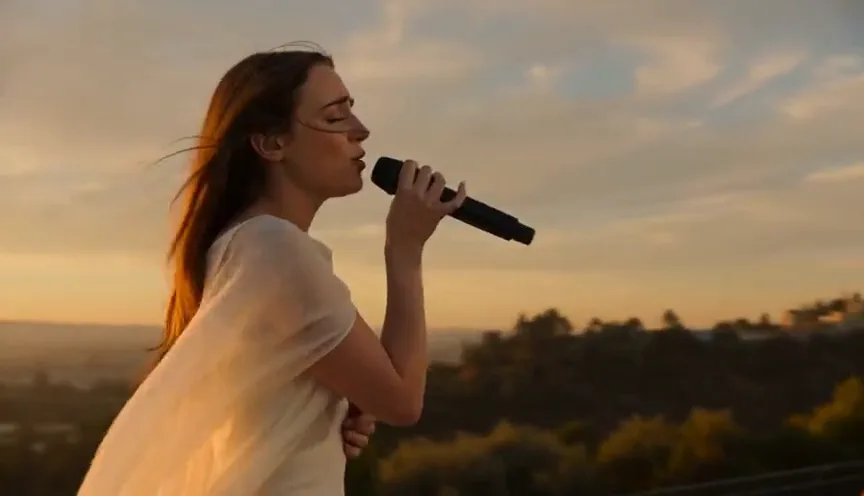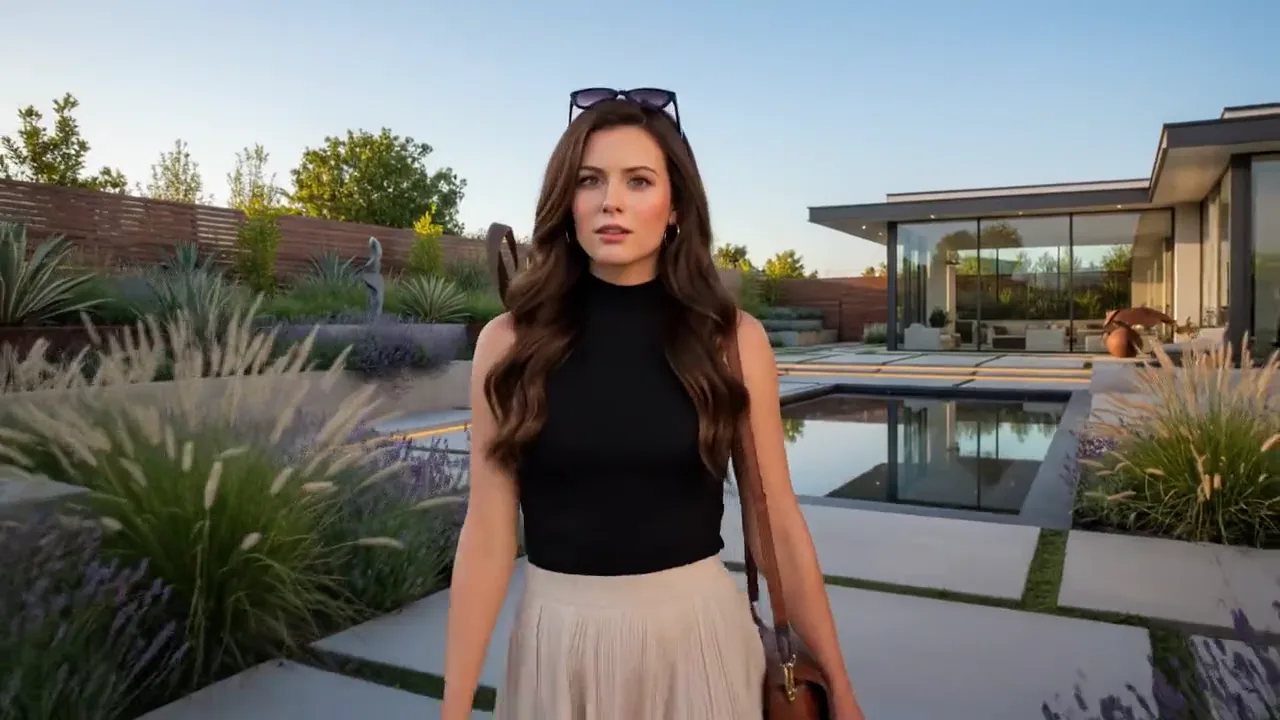
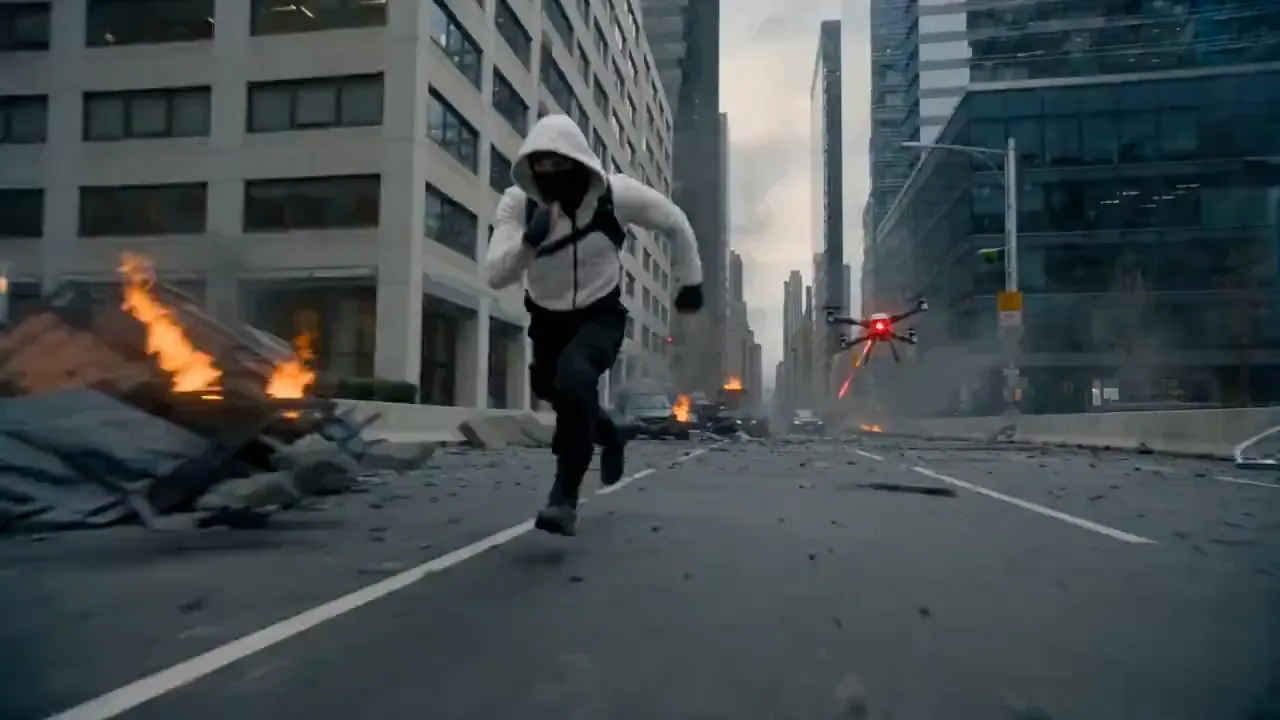
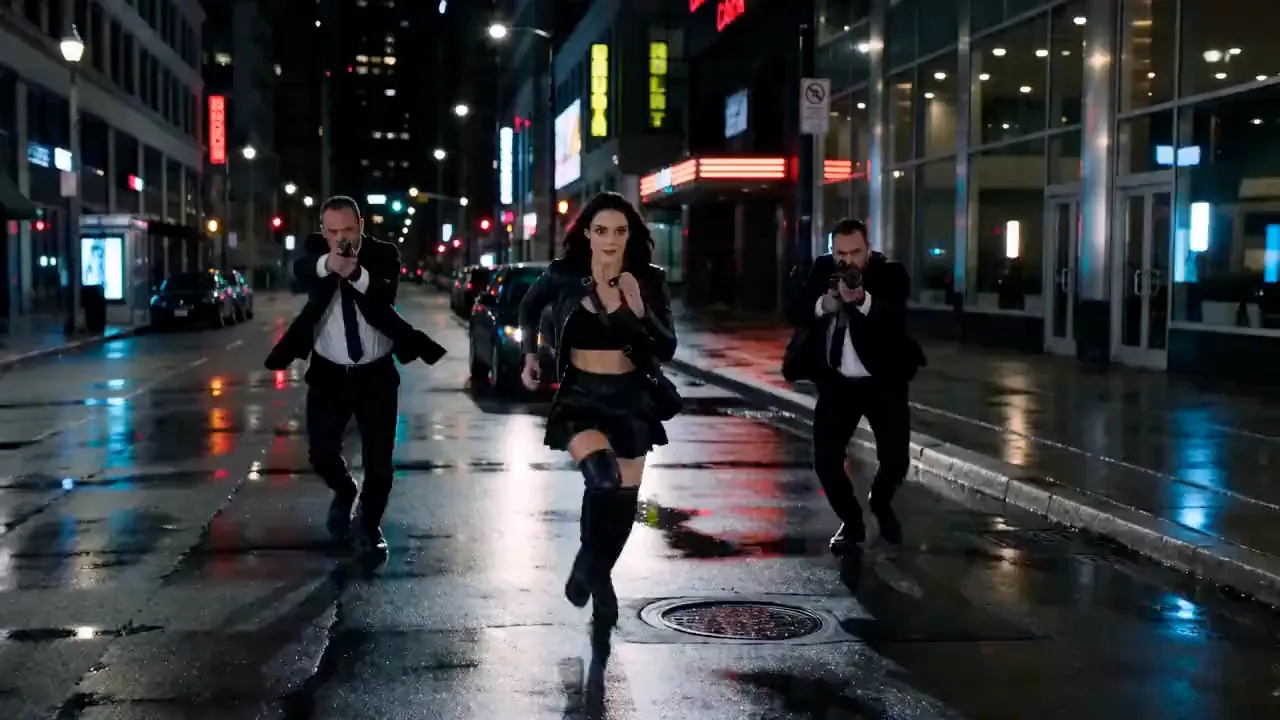
30-second single shot
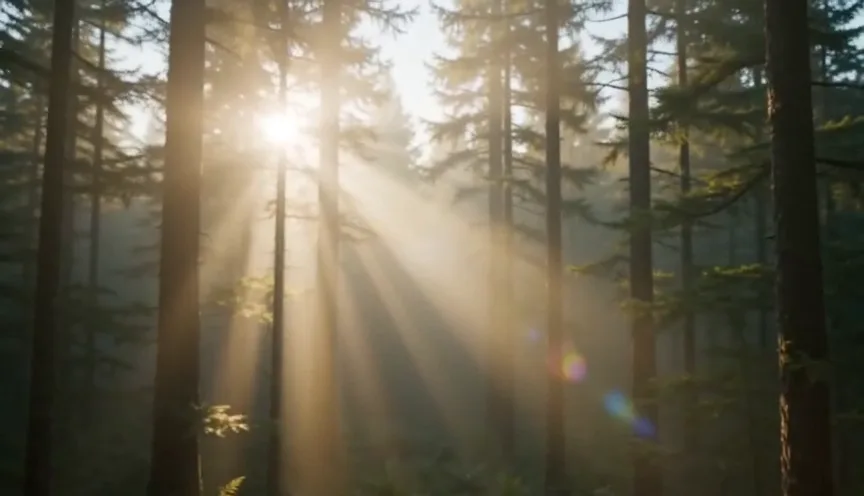
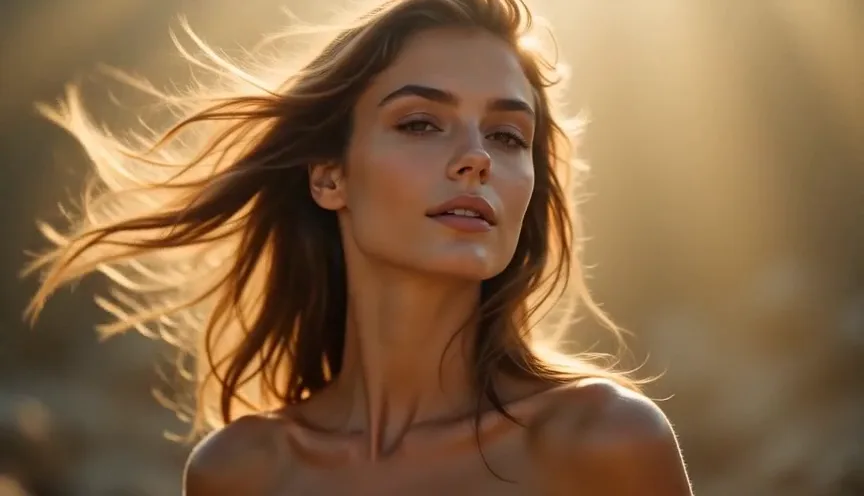
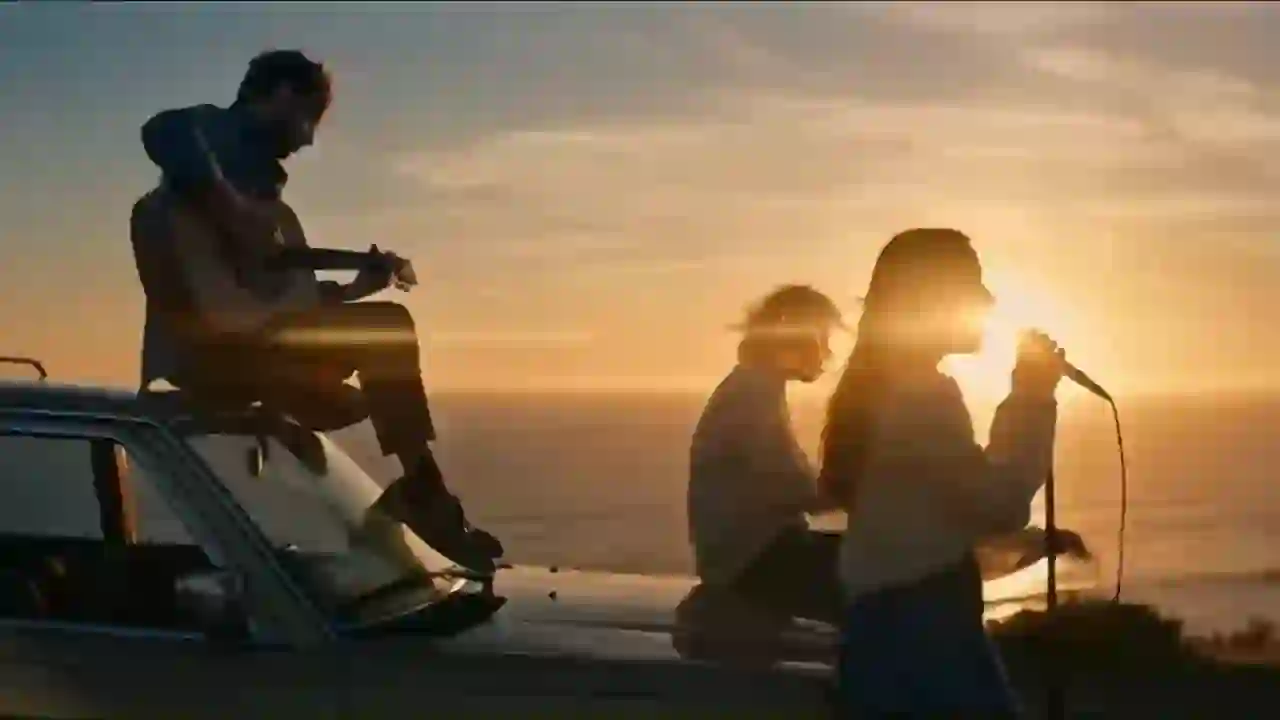
Seedance 2.5 generates one continuous 30-second take natively — no stitching — so motion and story hold from first frame to last.
Seedance 2.5
The Seedance 2.5 generator turns a prompt or reference images into video — native 4K, a 30-second single shot, and up to 50 multimodal references, with local edits that keep every frame consistent.
Runs in the browser · no install · credit cost shown before generation
What it is
Seedance 2.5 is the flagship step up from Seedance 2.0. It raises native resolution to 4K, extends a single continuous take to 30 seconds, and accepts up to 50 multimodal references so a character, product, or style stays consistent across the whole clip.
Two Seedance 2.5 changes make the difference in practice. A continuous 30-second take is long enough to hold a real beat — scene changes and pacing included — in one generation. And because you can adjust a single region while the rest of the frame stays identical, a finished clip becomes something you revise and localize rather than re-roll from scratch.
The workflow is the one creators already know — write a shot, add references, pick a format, generate. See the full walkthrough in how to use Seedance 2.5, or compare tiers on pricing.
What's new in 2.5
Seedance 2.5 generates one continuous 30-second take natively — no stitching — so motion and story hold from first frame to last.
Seedance 2.5 renders straight to 4K with crisp detail and stable motion, a clear step up from the 1080p ceiling on Seedance 2.0.
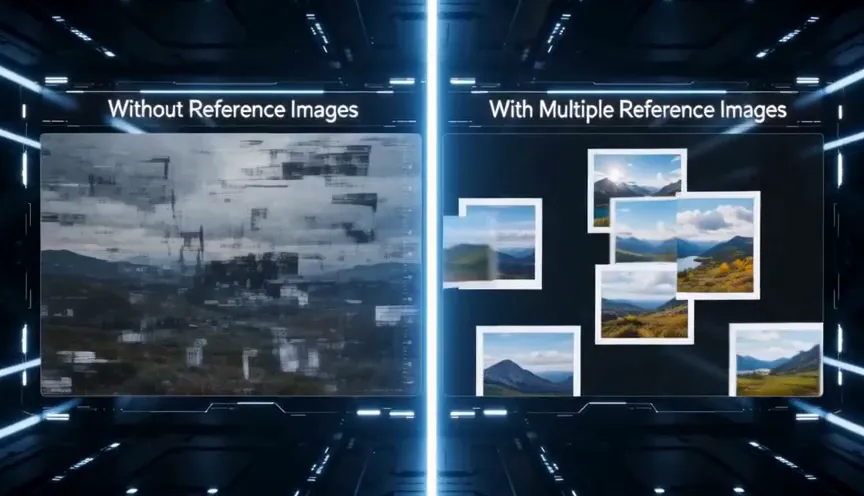
Seedance 2.5 brings up to 50 images, frames, and notes at once to lock characters, products, style, and continuity across the clip.
Seedance 2.5 adjusts a single region and keeps everything else identical — controllable editing instead of re-rolling the whole shot.
How to use it
Lead with the subject, then setting, lighting, mood, and one camera move. Specific briefs give Seedance 2.5 a clear target.
Drop up to 50 images or frames to lock a character, product, or look Seedance 2.5 keeps consistent across the take.
Choose 16:9, 9:16, or 1:1, a Seedance 2.5 resolution up to 4K, and a clip length up to 30 seconds in a single continuous shot.
Preview Seedance 2.5 takes, keep the shots that work, and use local editing to fix one region without re-rolling the entire clip.
Use cases
Turn a product or a concept into a short, on-brand Seedance 2.5 spot, then use region-level editing to localize one approved clip for several markets without a reshoot — swap a product, a price, or on-screen copy while the shot and lighting hold steady.
A Seedance 2.5 30-second continuous take carries an establishing shot, a beat, and a resolution in one generation, and a deep reference set keeps an ensemble of characters consistent across the whole clip instead of drifting between shots.
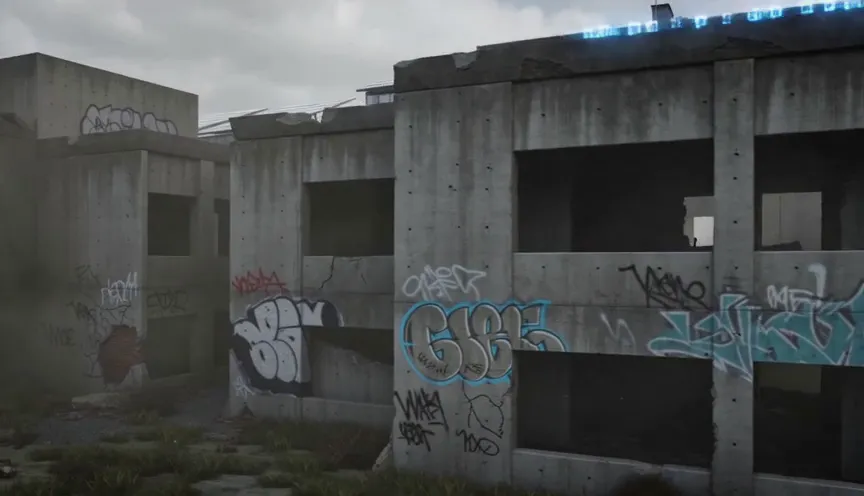
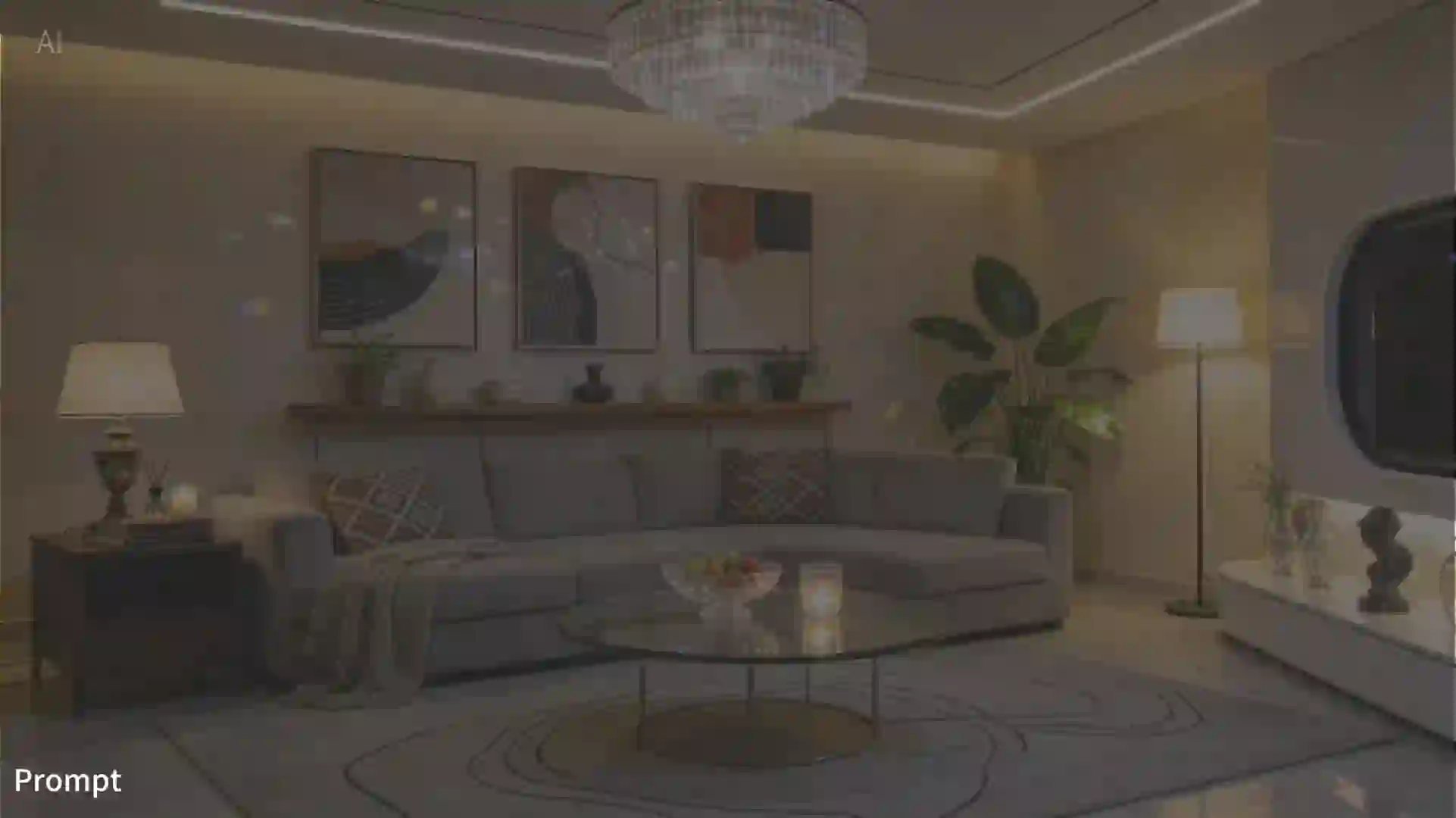
Feed detailed model and material references into Seedance 2.5 and get back a fully rendered clip with stable structure and motion — useful for early previz and pitch material before a scene is locked. It compresses the distance between a rough idea and something a stakeholder can actually watch and react to.
Generate Seedance 2.5 vertical, square, or widescreen clips that drop straight into feeds and reels, and iterate quickly by changing one variable at a time instead of re-shooting an idea.
Get better results
A few habits get more out of every generation and keep your credits working harder.
Name the main subject first, then layer in setting, lighting, and mood, and finish with exactly one camera move. A prompt read like a shot plan — subject, world, motion — tracks far closer than a long, unordered description. Stacking three camera moves into one prompt is the most common way to confuse the motion, so pick one deliberate move and let it carry the shot.
Seedance 2.5 generation is billed by the second, so test a direction at a lower resolution and a short length first, then re-run the keepers at native 4K and a longer take once the shot is working. A handful of cheap drafts almost always beats one expensive guess, so spend freely on tests and save long renders for keepers.
If a character, product, or style has to stay exact, give Seedance 2.5 several clean references rather than one. The more consistent your reference set, the steadier the result — and when a single region drifts, fix it with local editing instead of re-rolling the clip. The full method is in how to use Seedance 2.5.
FAQ
Choose Text to Video or Image to Video, write a shot brief, pick an aspect ratio, resolution, and duration, then generate. Start with a short lower-resolution draft before spending credits on a longer final take.
Use text-to-video when the idea is flexible and you want the generator to invent the scene. Use image-to-video when a product, character, frame, or style reference needs to guide the Seedance 2.5 result.
Write the prompt like a shot plan: subject first, then setting, lighting, mood, and one clear camera move. Seedance 2.5 responds better to a controlled sequence than to a long unordered list of style words.
Choose 16:9 for websites, YouTube, ads, and widescreen scenes; 9:16 for Reels, Shorts, TikTok, and mobile ads; and 1:1 when you need square creative for feeds or product placements.
Draft short and light first, then raise resolution and duration once the motion, subject, and framing are working. Longer Seedance 2.5 clips and higher-resolution renders cost more credits because billing is per second.
Use clean reference images with the subject clearly visible, consistent lighting, and minimal clutter. For image-to-video, one strong reference usually beats several conflicting clues, especially when identity or product shape matters.
The generator shows the estimated credit cost before you submit. Cost changes with model mode, resolution, and duration, so use short drafts first and reserve longer Seedance 2.5 renders for shots that are already working.
Change one variable at a time. Shorten the prompt, make the subject more explicit, reduce competing camera moves, switch aspect ratio only when needed, and rerun a short draft before committing to a longer Seedance 2.5 render.
Finished outputs appear in the generator preview and can be revisited from your library. The library keeps generated works for six months, so you can compare takes and download the clips you want to keep.
Yes, the Seedance 2.5 tool is suitable for ad drafts, social clips, product motion, and client concepts. You remain responsible for uploaded references, prompt rights, output review, and compliance with the Terms.
Next
Read the hands-on Seedance 2.5 review for the full breakdown against Seedance 2.0.