
Prompt guide 2026
Seedance 2.5 Prompt Guide: How to Write Prompts That Actually Work
Writing good Seedance 2.5 prompts is less about adding more words and more about giving the model a clear shot brief. This guide shows the structure, templates, and before/after rewrites that make Seedance 2.5 prompts easier to control.
Quick takeaways
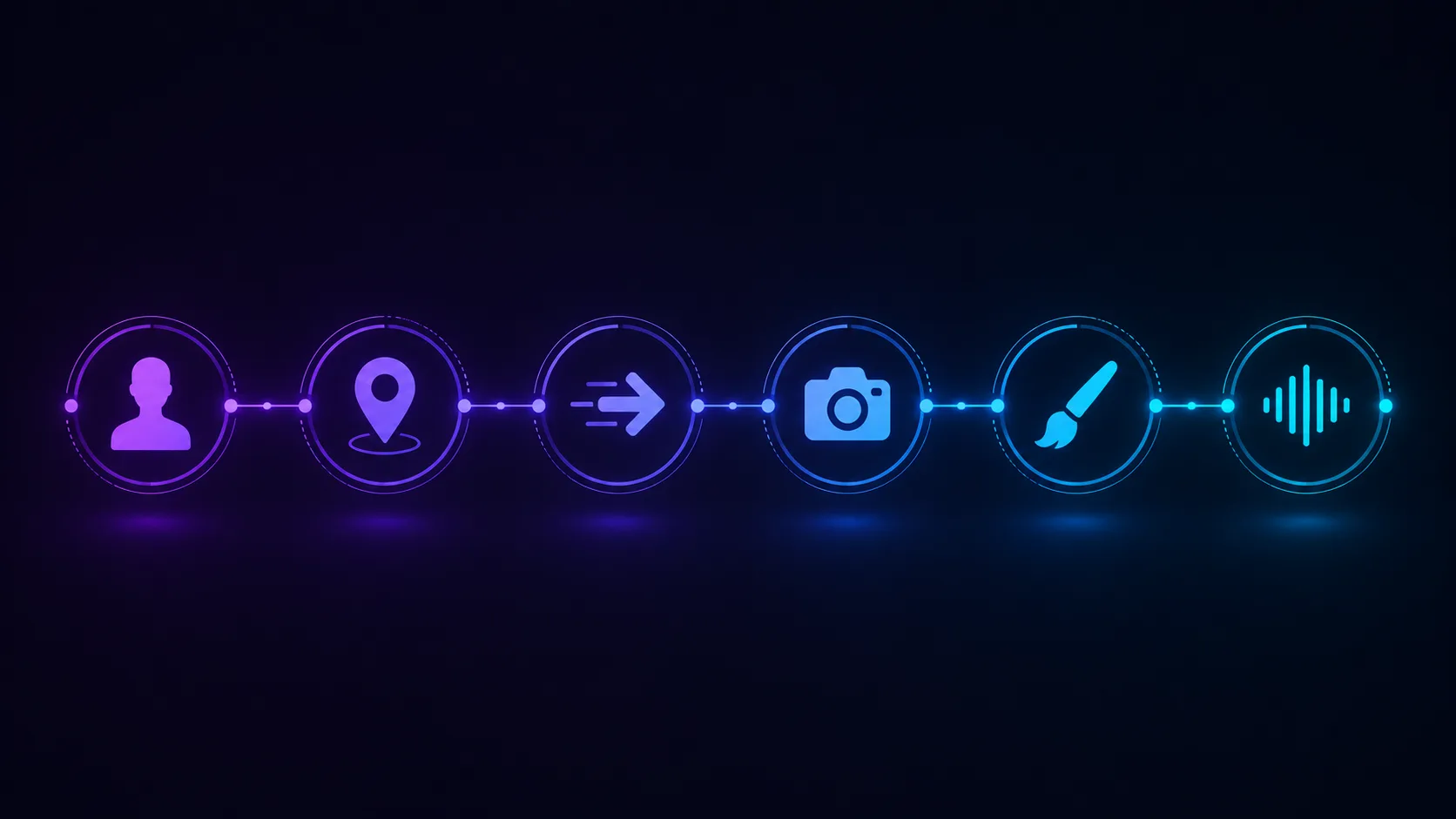
Good Seedance 2.5 prompts are broken into 6 parts: subject, setting, action, camera, style, and audio.
Vague adjectives like cinematic or realistic are not enough. Seedance 2.5 responds better when those ideas are translated into visible direction.
The same prompt formula adapts to talking-head videos, skits, B-roll, product clips, series content, trend edits, and POV formats.
Platform context matters. A TikTok prompt, Instagram Reels prompt, and YouTube Shorts prompt should not be written exactly the same way.
Why most Seedance 2.5 prompts underperform
Most weak prompts fail because they describe the desired vibe but not the actual scene. They ask for a "high quality video" without saying who is on screen, what happens, where the camera is, or how the shot should feel.
That matters because Seedance 2.5 is not just turning text into a still image. It has to interpret motion over time. A prompt that only names a style leaves too much open, so the result can feel generic, static, or inconsistent.
A strong prompt behaves more like a compact directing note. It tells the model what the subject is, what changes, how the camera sees it, and what social or cinematic format the clip belongs to.
The 6-part Seedance 2.5 prompt formula
The most reliable Seedance 2.5 prompt structure is simple: subject, setting, action, camera, style, and audio. Use it as a checklist, not as a rigid paragraph template.
Subject
Who or what is on screen. A person, product, character, place, prop, or object.
Setting
Where the scene happens, when it happens, and what the environment looks like.
Action
What happens during the clip. For Seedance 2.5, this should be one clear movement or event, not five unrelated actions.
Camera
How the camera behaves: handheld, static, slow push-in, tracking shot, close-up, wide shot, over-the-shoulder, or POV.
Style and mood
The visual language: natural vlog, cinematic commercial, cozy lifestyle, high-energy comedy, editorial beauty, gritty documentary, anime-inspired, and so on.
Audio or dialogue
If your clip includes speech, describe it simply and naturally. Long dialogue is one of the easiest ways to make a clip feel off.
Formula example
Seedance 2.5 prompt template
A [specific subject] in [specific setting], doing [clear action]. The camera [camera movement/framing]. The visual style is [style/mood]. If spoken, the subject says: "[short natural line]."
Example prompt
A young travel creator stands on a windy cliff at sunset, holding a phone and pointing toward the ocean. The camera slowly pushes in from a medium shot to a close-up. Warm golden light, cinematic but natural travel vlog style. She says: "This is the view I came here for."
Before and after: a real prompt rewrite
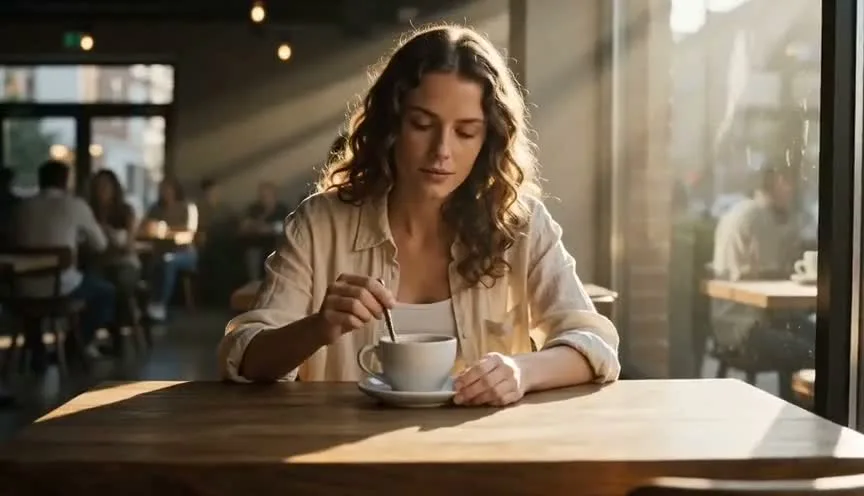
Here is the practical difference between a vague prompt and a directed prompt. The goal is not to make the prompt long. The goal is to remove ambiguity.
Before: vague prompt
A woman talks about a product in a nice room, realistic, cinematic, high quality.
After: directed prompt
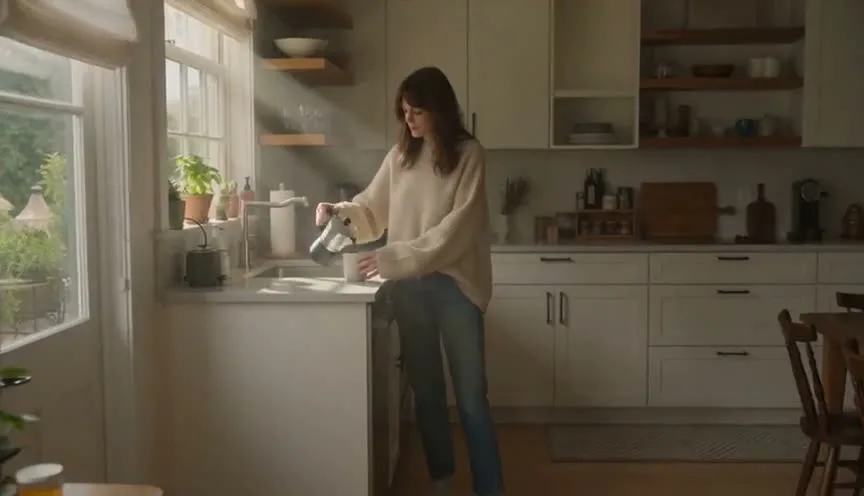
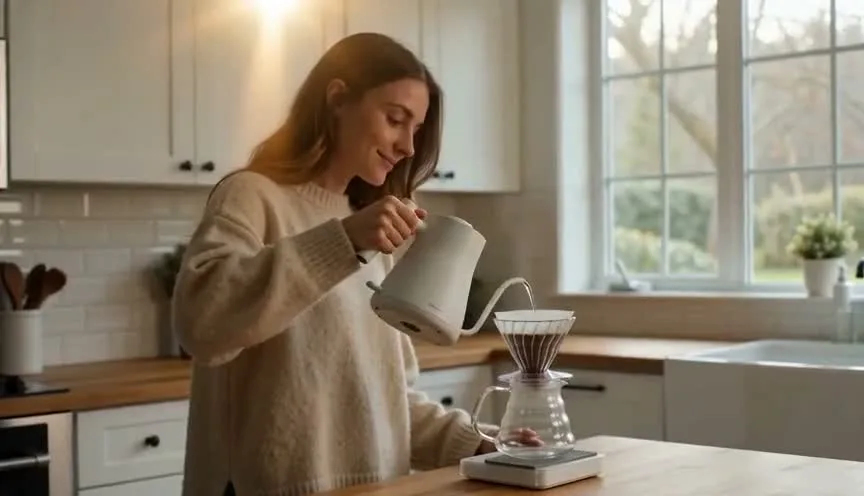
A young skincare creator sits at a bright vanity table in a clean bedroom, holding a small serum bottle close to the camera. She smiles naturally and says, "This is the step I never skip before makeup." Soft morning light, handheld phone-style framing, vertical 9:16, relaxed TikTok beauty review mood.
The rewritten prompt gives Seedance 2.5 a person, a setting, one action, a spoken line, camera format, lighting, aspect ratio, and content mood. That is why it is easier to get a clip that feels intentional instead of generic.
Seedance 2.5 prompt templates by content format
The best prompt depends on the format. A talking-head prompt, product prompt, trend prompt, and POV prompt should not all sound the same. Start with one of these templates, then replace the bracketed details with your real subject.
01
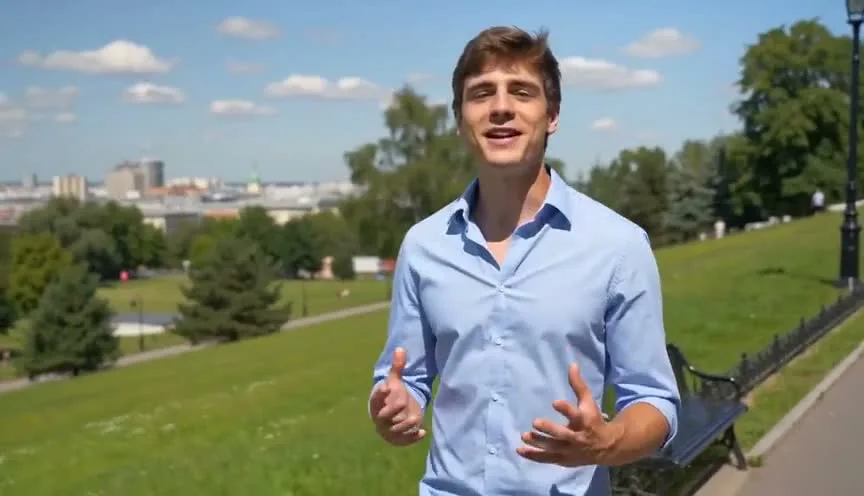
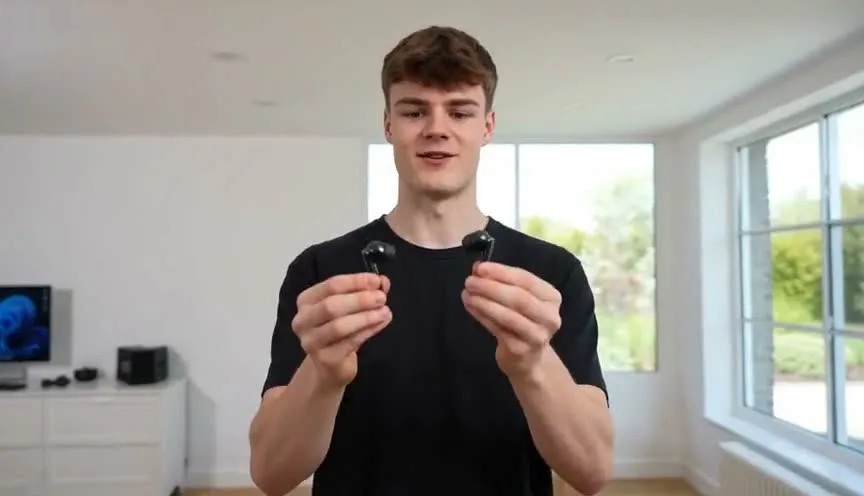
Talking-head / UGC-style video
A [person type] sits or stands in [everyday setting], looking into the camera and explaining [topic/product/idea] in a natural conversational tone. Subtle hand gestures, relaxed expression, handheld phone-style framing, soft natural light, vertical 9:16, authentic social media video.
02
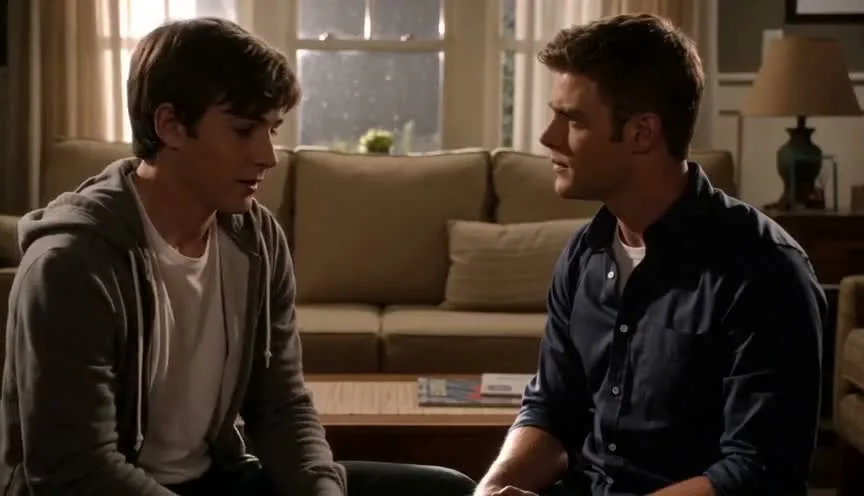
Short skit / dialogue scene
Two characters stand in [location]. Character A says, "[short line]." Character B reacts with [emotion] and replies, "[short line]." Medium shot, natural acting, light comedic timing, clean background, realistic social video style, vertical format.
03
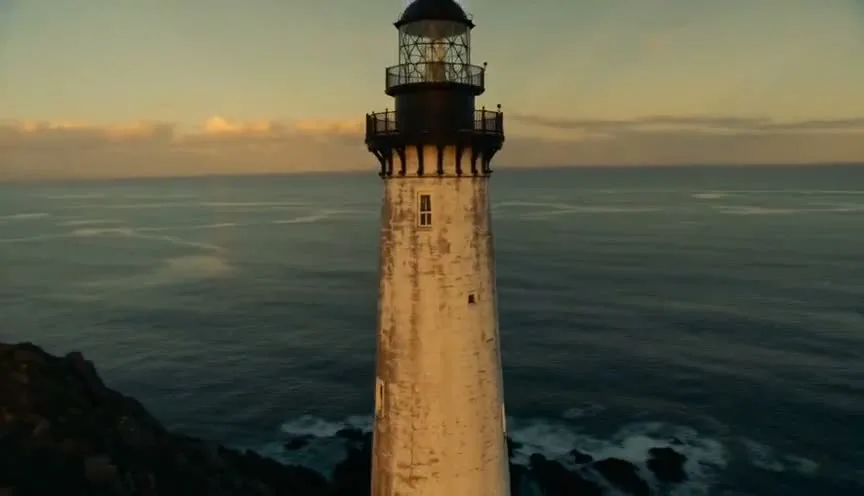
Cinematic B-roll / aesthetic reel
A slow cinematic shot of [subject] in [location], with [lighting condition]. The camera slowly pushes in while [small motion detail] happens. Shallow depth of field, smooth movement, premium commercial look, [mood] atmosphere, no dialogue.
04
Product / try-on style clip
A creator holds [product] in [setting], then demonstrates [main action]. The product remains clearly visible throughout the shot. Clean lighting, soft background, natural hand movement, realistic creator review style, vertical 9:16, suitable for product ad content.
05
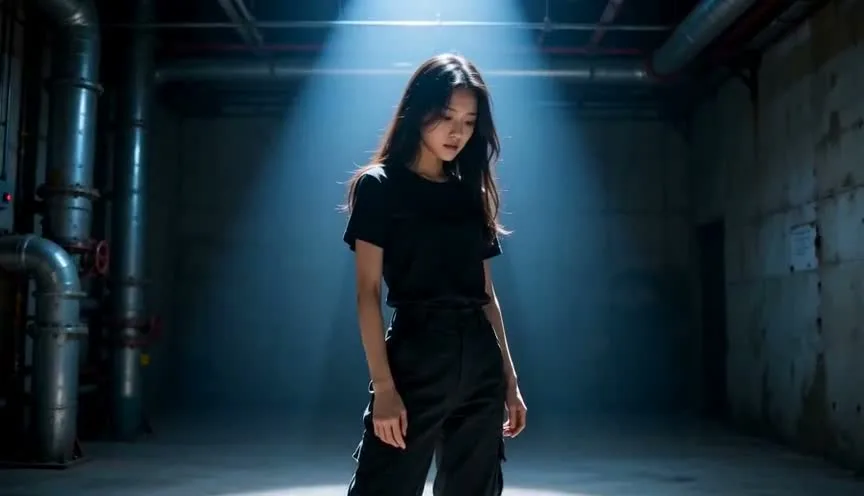
Continuation / multi-part story
A character from the previous scene continues walking through [location], carrying [object or emotion]. Keep the same outfit, hairstyle, and lighting mood. The camera follows from behind, then slowly moves to the side as [story beat] happens. Consistent identity, cinematic continuity, no sudden style change.
Continuity note
Use this format when you need the next clip to continue the same character, outfit, lighting, or story beat from a previous scene.
06
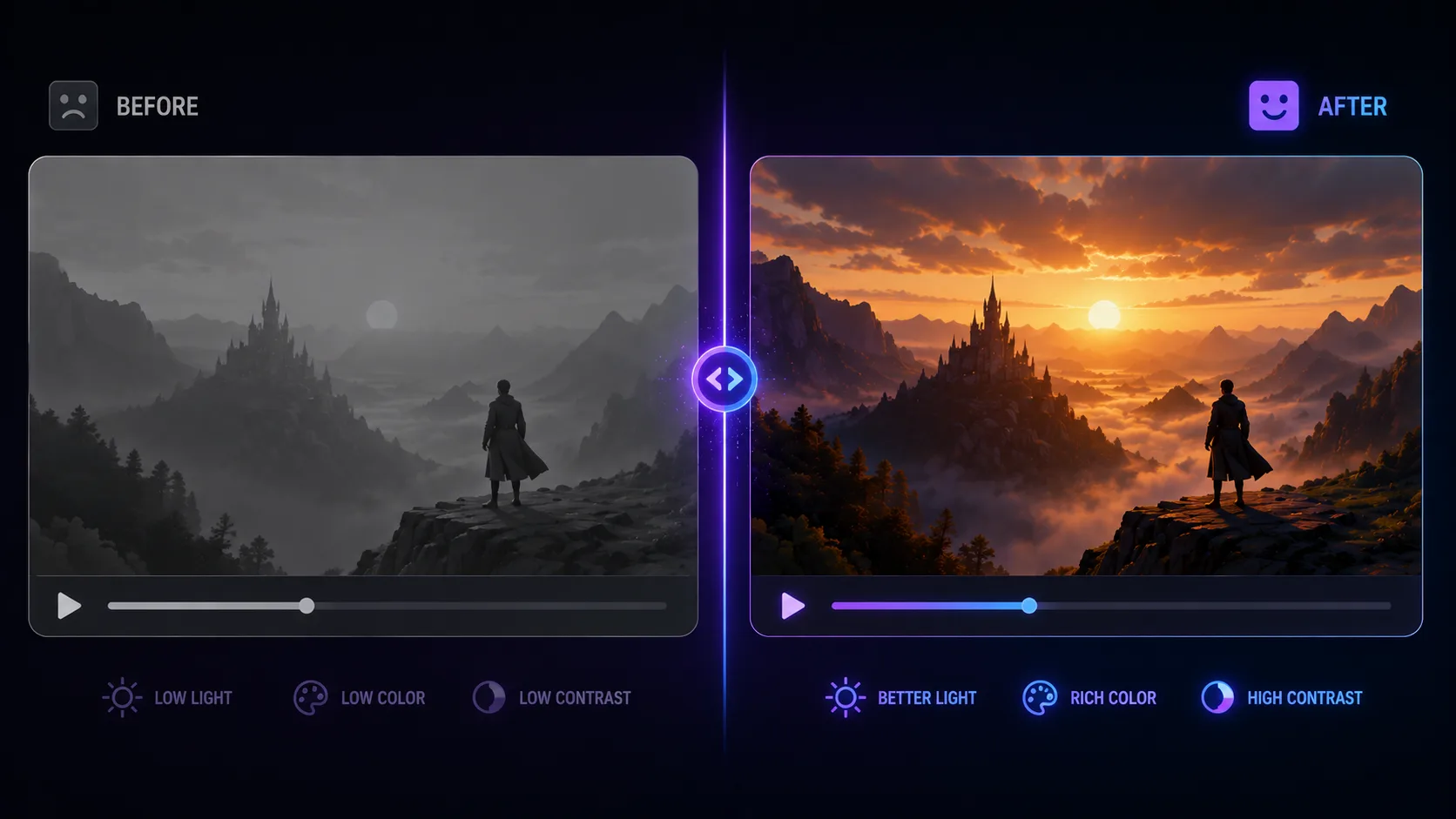
Trend / transition edit
A person starts in [before state], then makes one quick movement toward the camera. On the motion, the scene transitions into [after state]. Fast but clean timing, energetic social media edit, clear before-and-after contrast, vertical 9:16, smooth transition moment.
07
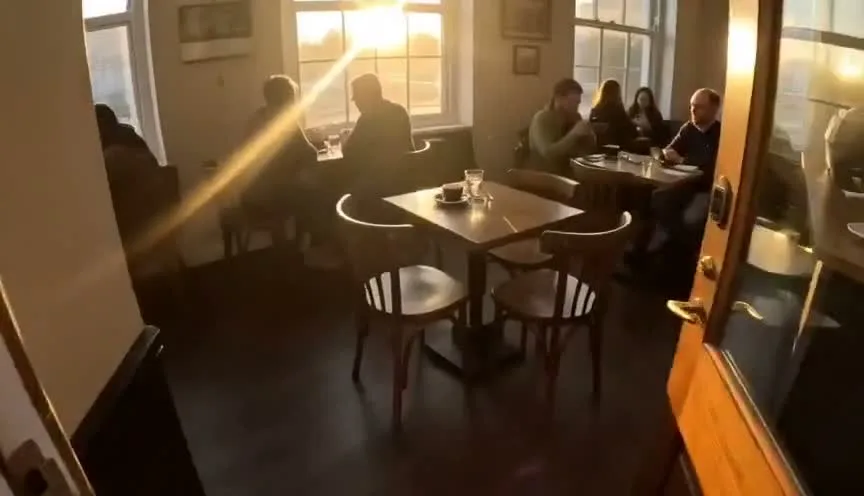
POV format
POV shot from the viewer's perspective in [situation]. The camera behaves like a real person holding a phone or walking through the scene. [Main action] happens directly in front of the camera. Natural motion, immersive framing, realistic lighting, social storytelling style.
Platform-specific prompt adjustments
Seedance 2.5 does not need a completely different prompting language for each platform, but the output should match how people watch that platform. The prompt should name the framing, pacing, and content style.
TikTok
Prioritize natural phone-camera framing, handheld movement, a clear hook in the first 1-2 seconds, and fast visual readability.
Instagram Reels
Use more polish: softer color grade, cleaner styling, a more intentional camera move, and an aesthetic visual mood.
YouTube Shorts
Make the sequence easier to follow. The prompt should name the beginning, middle, and end of the action so the clip has a stronger story arc.
If you are creating for mobile-first platforms, add vertical framing and subject placement directly to the prompt. That makes the output more useful before you move into the Seedance 2.5 step-by-step workflow.
Using reference assets correctly
References are most useful when they reduce uncertainty. They can lock character identity, product appearance, style, motion, or environment. The mistake is using references and then writing a prompt that fights what the reference already shows.
Locking a character
Use a clear reference image of the person or character, then use the prompt to describe motion and emotion rather than re-explaining every facial detail.
Maintaining a style
Use a style reference when you want the same lighting, color, or art direction across multiple clips.
Controlling motion
If your reference already defines the visual identity, spend the prompt on camera movement, pacing, and the single action that should happen.
With image-to-video, the reference image already defines the subject and setting. Spend the prompt on action, camera movement, and pacing. With text-to-video, the prompt needs to define the entire scene from scratch.
Common Seedance 2.5 prompt mistakes
Only describing the object, not the action.
Seedance 2.5 needs to know what changes during the clip. A subject without an action often becomes a still-looking video.
Stacking too many styles.
Asking for cinematic, anime, documentary, luxury ad, vlog, and surreal in the same prompt gives the model conflicting direction.
Writing dialogue that is too long.
Break spoken lines into short, natural phrases. It improves both lip-sync and pacing.
Ignoring aspect ratio in the prompt.
Even when you set 9:16 in settings, saying "vertical framing, subject centered for mobile viewing" reinforces better composition.
Mixing conflicting moods.
Pick one mood and commit to it. Conflicting emotional direction usually lands somewhere flat and undefined.
Skipping a second draft.
Treat your first generation as a rough cut, then adjust the one part that clearly did not land.
Quick pre-generation checklist
Before you hit generate, check whether the prompt covers all seven points below. If it does, you are not guessing anymore. You are directing.
Who or what is the subject, described specifically
Where and when the scene happens
What happens, in sequence
How the camera moves
What mood or style you want
Any dialogue kept short and natural
References named explicitly if used
When the checklist is complete, open the Seedance 2.5 AI video generator and run a first draft. Then refine the one part that missed: action, camera, style, dialogue, or reference use.
Frequently asked questions about Seedance 2.5 prompts
Do longer Seedance 2.5 prompts always produce better results?+
No. Length is not the goal. Completeness is. A short prompt that covers subject, action, camera, and mood will usually outperform a long prompt that repeats the same idea in different words.
Should I write prompts differently for image-to-video versus text-to-video?+
Yes, slightly. With image-to-video, the subject and setting are already locked by the reference image, so the prompt should focus more on action, camera movement, and pacing.
Why does my dialogue sometimes not match the lip movement?+
The most common cause is dialogue that is too long or too complex for the clip's pacing. Shorter, naturally punctuated lines give the model an easier target to sync to.
Can I reuse the same prompt structure for every video?+
Yes. Once the 6-part structure feels natural, you can build a personal prompt library for recurring formats such as intro shots, product reveals, transitions, and POV scenes.
How specific should camera direction be in a Seedance 2.5 prompt?+
More specific than feels natural at first. Instead of "nice camera movement," name the move: push-in, pull-out, slow pan left, orbit, static tripod shot, or handheld POV.